Download the App
Start Socializing
Join Local Events

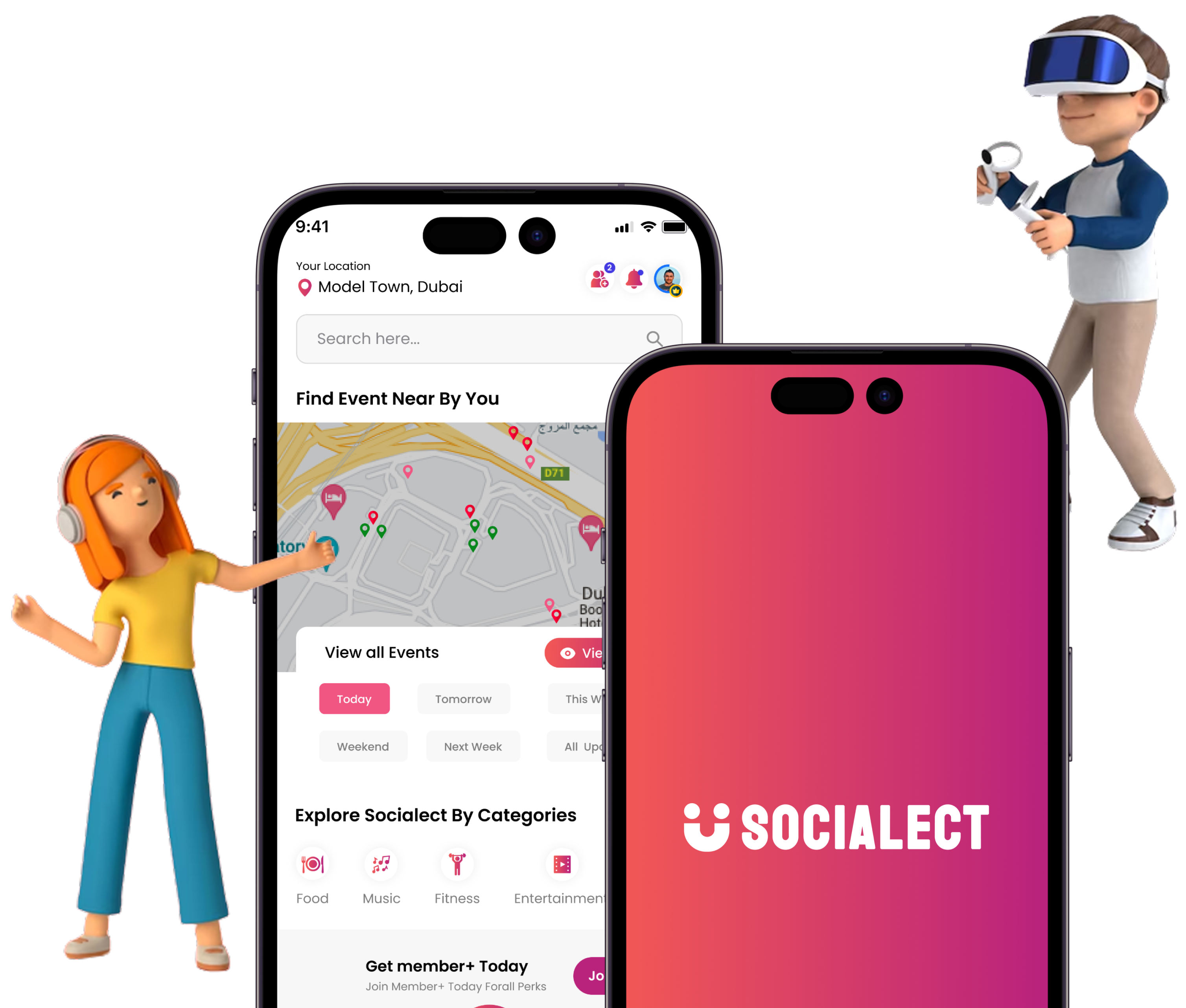
Unlock the Power of Effortless Socializing
Socialect makes it easy to connect, organize, and engage with your community.
Making plans, meeting people, and discovering local events is just a tap away.


Socialect Illustration

App Features

Discover all the amazing features that make Socialect the perfect platform for building meaningful connections and organizing events.

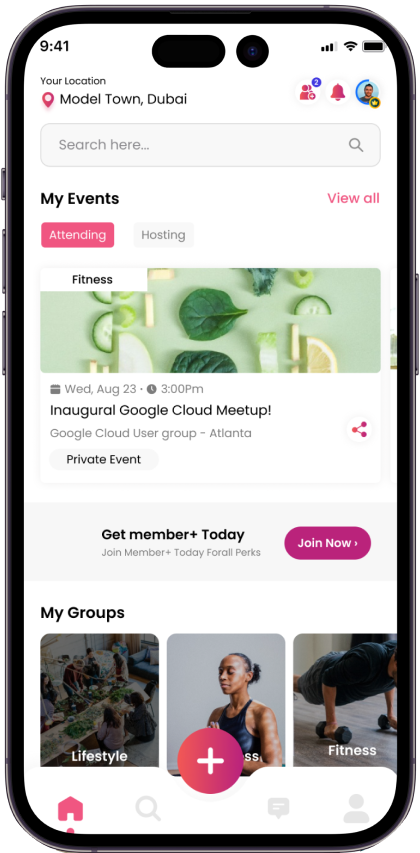
Events

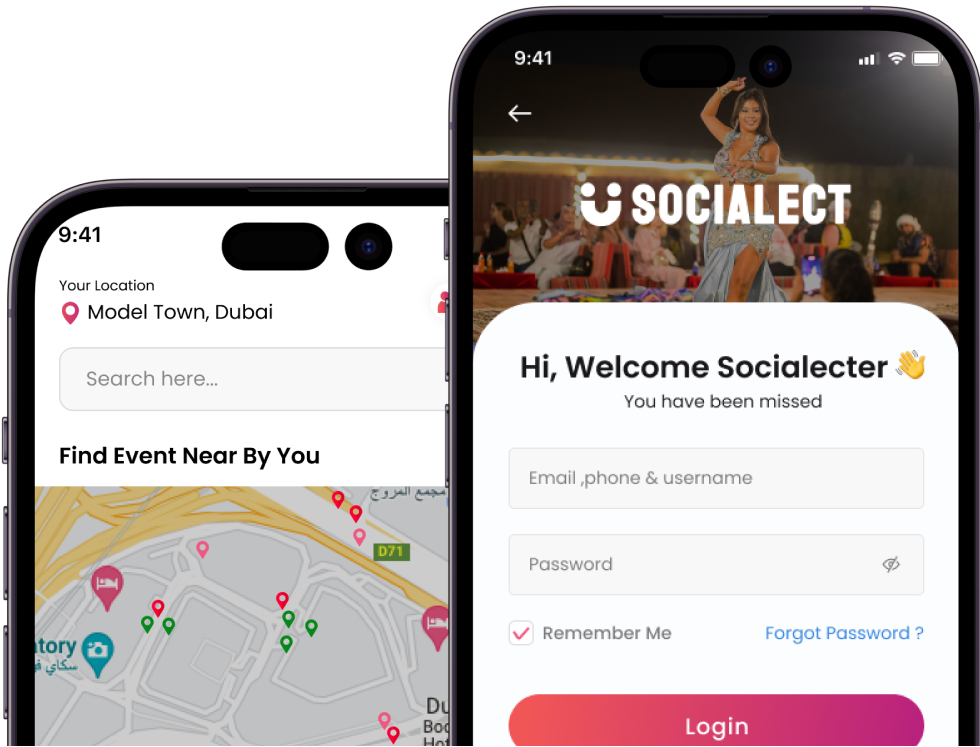
Discover and join local events around you with ease. Whether it’s a public gathering or a private hangout, Socialect helps you stay in the loop and participate effortlessly.

iPhone Frame

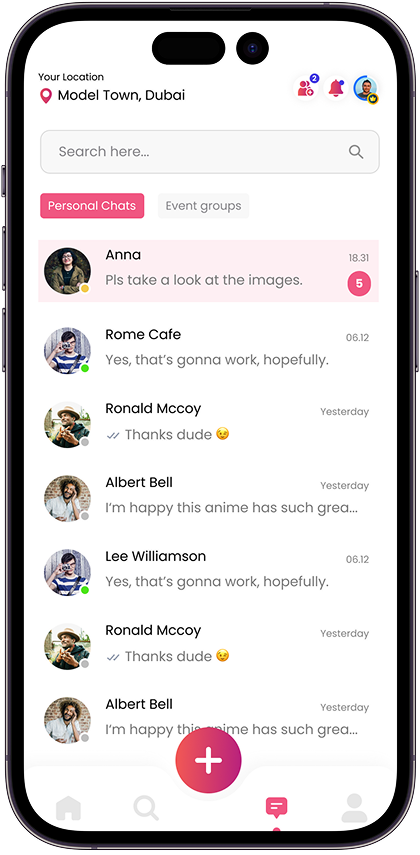
Chat

Stay connected with friends through private and group chats. Share photos, react to messages, and manage conversations with smart notifications.

iPhone Frame

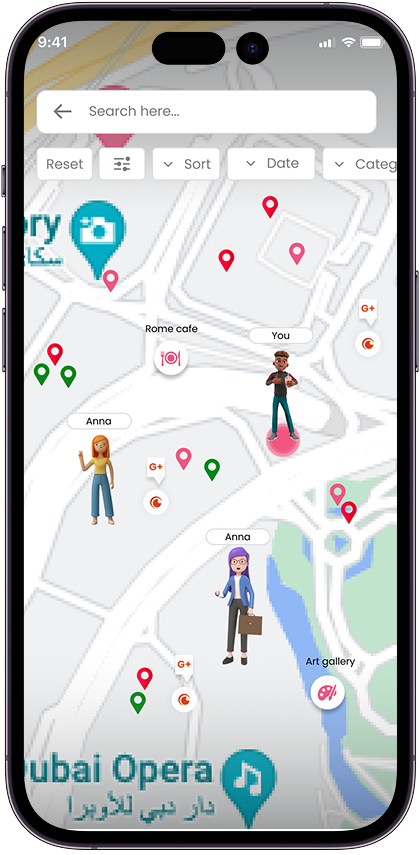
Friends

Grow your network by connecting with people nearby. View profiles, add friends, and follow their social activity and events.

iPhone Frame

Profile

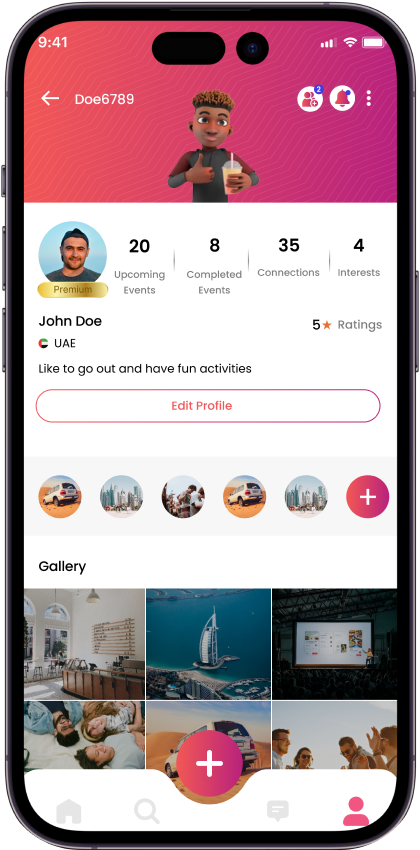
Express yourself with a detailed profile that includes your interests, photos, badges, and social stats, all in one personalized space.

iPhone Frame

How it works?

Getting started with Socialect is simple:

1

Download the app

Get Socialect from the App Store or Google Play

2

Create your profile

Set up your profile with interests and preferences

3

Find and join events

Discover local events that match your interests

4

Connect with people nearby

Meet like-minded people at events and build connections

Socialect App Demo

Watch the video

Latest Updates

Stay in the know with the newest features and improvements:

Smarter event recommendations with improved matching algorithms.
Enhanced group chat controls for better privacy and moderation.
New profile customization options, themes, and layouts.

See what our users say about Socialect

Hear from our community members about their experiences with Socialect.

Frequently Asked Questions

1. Account Management

  1. Download our app.
  2. Choose your account type: Corporate or Individual User.
  3. Fill in the required information.
  4. Select your interests.
  5. Choose your avatar.
  6. Set your location visibility:
    • Show location to everyone, or
    • Show location to followers only.
  1. Tap your profile icon.
  2. Tap Edit Profile to make changes.

2. Events

  1. Tap the Explore icon.
  2. To view events:
    • Tap View Map to see events as red pins on the map, or
    • Tap List View to see them in a list format.
  3. Tap the event you're interested in, then tap Join Event.
  4. A chat will be created in your Event Chat List for that event.
  1. Purchase the Organizer Subscription.
  2. Tap the ( + ) button.
  3. Choose the event type: Private or Public.
    Event Type Explanation:
    • Private Event: Shared only with your followers/friends. Not visible to the public or on the map.
    • Public Event: Visible to all users and shown on the map. Anyone can join.
  4. Fill in the event details.
  5. Choose to either Post the event immediately or Save as Draft to post later.

3. Connecting with Other Users

  1. Tap the Explore icon.
  2. Scroll down to People Nearby and tap Connect.
  3. You can also:
    • Search by username,
    • Use the Map View and apply the filter "Users" to see avatars on the map,
    • Connect with users from the events you attend.

4. Pricing

Yes! The app is completely free to download and currently free to use.

Get the social life you dream of by finding a community that shares the same interests as you.

Socialect App Screens

Socializing. Simplified.

At your fingertips. Download our mobile app!

×